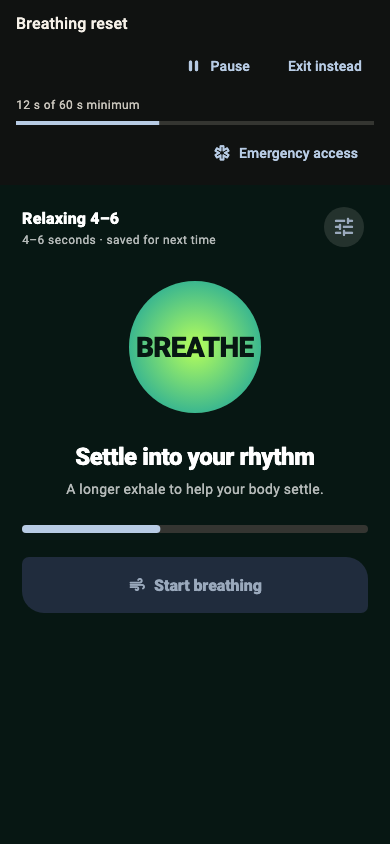
Breathing patterns you control
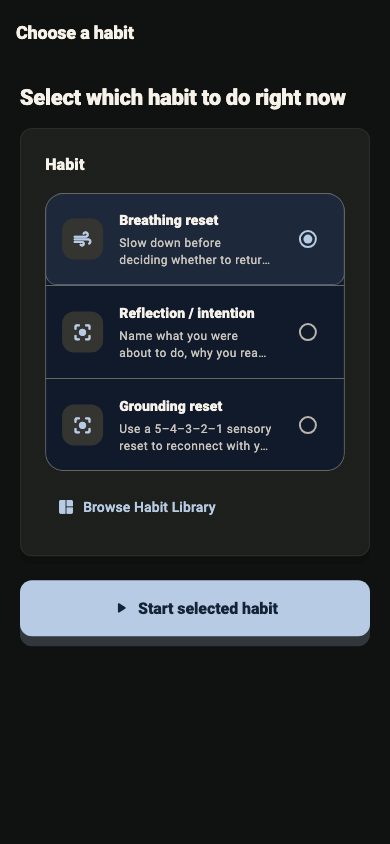
Start with a ready-made rhythm or set custom inhale, hold, and exhale timing. Habit Protector remembers your last settings.
Mindful app blocking for Android
Block distracting apps until you complete a brief, healthy reset. Habit Protector turns an automatic tap into a deliberate choice.
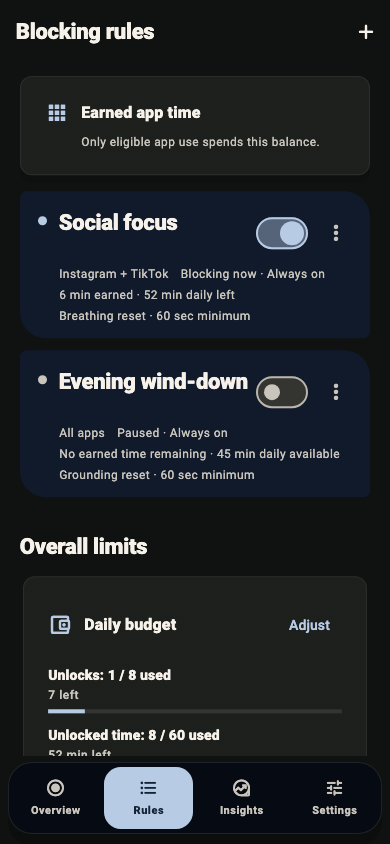
Intentional by design. Just enough friction to help you choose.
Private by default. Your local plan stays on your device.
Built for real life. Flexible schedules and app-specific rules.
How it works
Set the boundary once. Habit Protector holds it when willpower is running low.
Select distracting apps and decide when each rule should run.
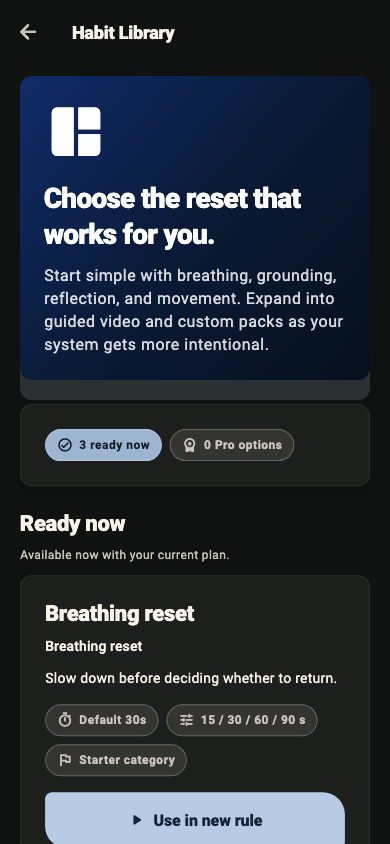
Use breathing, grounding, or movement as your unlock challenge.
Complete the short reset, then decide if you still want the app.
Protection that adapts
Build precise rules and choose a reset that matches the moment, without turning your phone into a punishment.
Start with a ready-made rhythm or set custom inhale, hold, and exhale timing. Habit Protector remembers your last settings.
A guided 5-4-3-2-1 sensory reset interrupts autopilot and brings your attention back to where you are.
Use a short movement challenge to make an app open an active choice.
Review today’s protected-app time, unlock minutes, and rule-level activity with labeled charts.
Protect habits on supported Android phones and Android TV, with optional account sync.
Inside the app
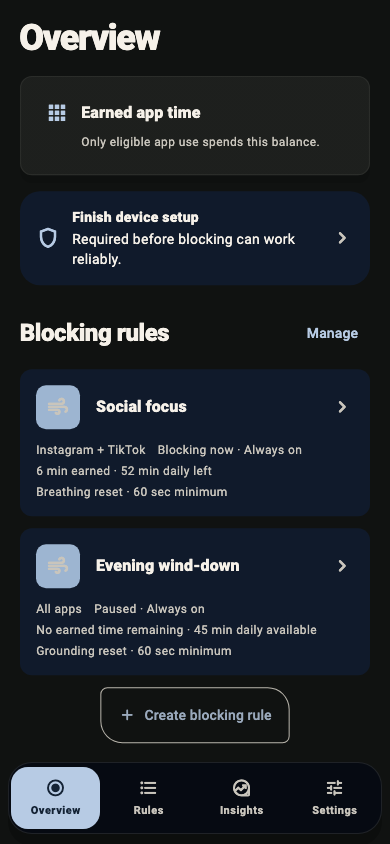
See what is protected today, understand your daily use, and adjust without guesswork.
Privacy by default
Habit Protector can work without an account. Local rules and protected-app identifiers stay on your device unless you choose optional account sync.
Questions, answered
You create a protection rule, choose which apps it covers, set its schedule, and select a short challenge. When you try to open a protected app, Habit Protector asks you to complete that reset first.
Habit Protector includes guided breathing with ready-made or custom patterns, a 5-4-3-2-1 grounding reset, and movement challenges. It remembers your most recently used challenge settings.
No. On Android, its accessibility service identifies when a protected app is in the foreground. It does not read messages, passwords, typed text, or page content, and it does not perform gestures for you.
No. You can use a local protection plan without an account. Account sync is optional and lets you keep supported rules and progress with your account.
Start with one boundary
Set a protection rule and give your attention somewhere better.